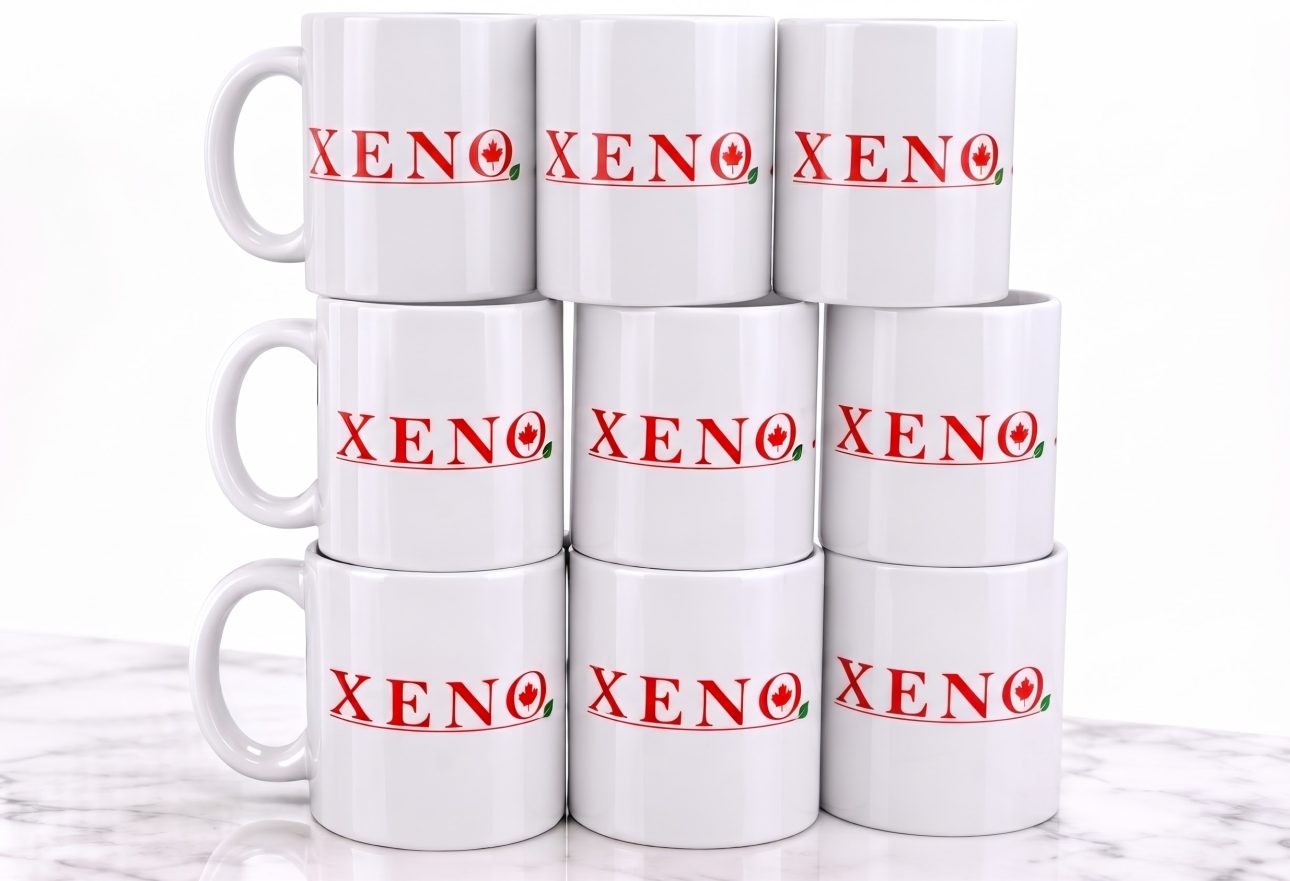
A mug or fabric blank needs more than a colourful design to work with dye-sublimation. The material must be compatible with the process.
How the process works
Epson’s maker guide describes a workflow in which a design is printed onto dye-sublimation transfer paper and then transferred to a suitable blank with heat. The image is normally mirrored before transfer.
Choosing the right blank
Suitable materials include polyester textiles and hard goods made with a polyester coating. Ordinary drinkware is not automatically compatible. White or light-coloured blanks are generally preferred because this process does not print a white ink layer.
Before you order
Confirm the product material, printable area and artwork with your print provider. For dark clothing or cotton, ask which alternative printing process suits the project. These checks help avoid choosing a product solely by its appearance.
Technical source: Epson Canada — Sublimation for makers. The mug photo is an illustrative Marbly project, not an Epson product image.